Explore the Playful Character of Jolly Blues Typography
Defining the Visual Personality
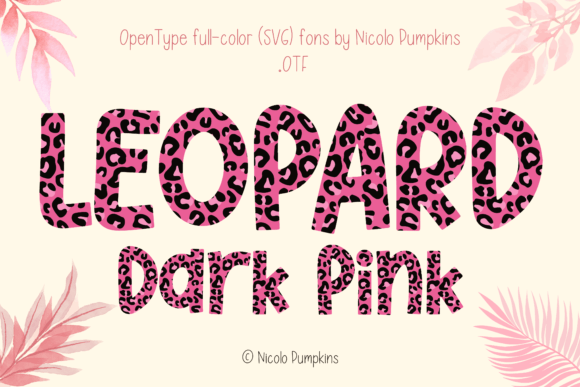
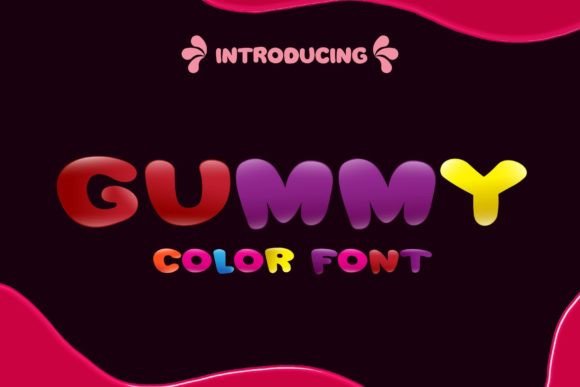
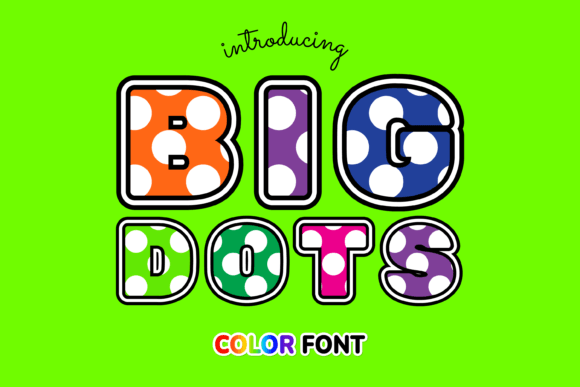
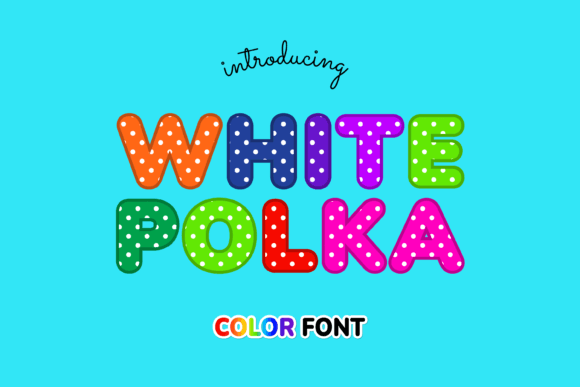
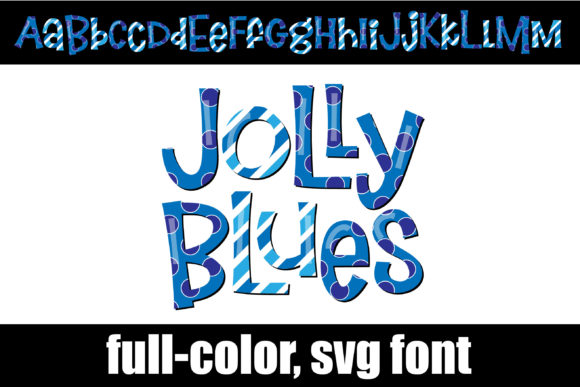
When you first encounter Jolly Blues, you immediately notice it isn’t trying to be a quiet, neutral workhorse typeface. Instead, it leans fully into a whimsical, hand-crafted aesthetic that brings immediate warmth to a page. The defining feature here is the color; as an OpenType-SVG font, the letters carry a built-in blue color palette directly inside the glyph data. This means you don’t have to apply gradients or layer styles in your design software to get that rich, textured look—it prints and displays exactly as the designer intended, complete with depth and shading.
Beyond the color aspect, the letterforms themselves have a distinct personality. The typography is energetic and fluid, sitting comfortably in the realm of creative fonts and display typefaces. It isn’t a stiff, corporate serif font, nor is it a rigid sans serif. Instead, it embraces a modern typography approach where expression takes precedence over strict geometry. You will find that the Jolly Blues typeface uses fun ligatures, particularly visible with the double "l" combinations, which merge together to create a seamless, flowing look. These details prevent the text from looking like standard digital output, giving it an organic feel often found in high-quality handwritten fonts or premium script fonts.
Practical Applications and Project Fit
Understanding where a specialized asset like Jolly Blues fits into your workflow is crucial for maintaining professional standards. Because this is a display font with high visual impact, it is rarely the right choice for long-form body copy or dense paragraphs. Its strength lies in headlines, titles, and short, punchy statements where its unique character can shine without causing eye strain.
For entrepreneurs and small business owners, this font offers a fantastic opportunity to inject personality into brand identity materials. If your brand voice is approachable, fun, or creative, Jolly Blues can serve as a cornerstone for your visual language. Consider using it for:
- Packaging design: The blue palette and whimsical style work exceptionally well for artisanal goods, children’s products, or lifestyle brands.
- Social media graphics: In a crowded feed, the built-in color and distinct ligatures stop the scroll. It is excellent for Instagram quotes, sale announcements, or story highlights.
- Editorial design: Use it for pull quotes or section headers in magazines and blogs to break up the monotony of standard text.
- Logo design: While you may need to adjust the kerning, the distinct shape makes for a memorable logomark, provided the brand requires a playful tone.
Navigating Technical Compatibility
One of the most critical aspects of working with Jolly Blues is understanding its technical format. As an OpenType-SVG color font, it behaves differently than the standard TTF or OTF files you might be used to. The "SVG" component allows for the inclusion of multiple colors and transparency within a single glyph file.
However, this advanced capability comes with specific software requirements. The font is fully compatible with professional design software like Adobe Photoshop, Adobe Illustrator, Silhouette Studio (Designer Edition or higher), and Inkscape. These programs can interpret the complex color data and render the font correctly.
It is equally important to know where this font will not work. Standard cutting machine software, specifically the basic version of Cricut Design Space, does not support color fonts. If you attempt to upload the SVG file to Cricut, it may appear as a black block or fail to load entirely. If you are a crafter using a Cricut, you would typically need to use the font in a supported design program first, flatten the image, and then import it as a print-then-cut graphic, rather than typing directly into the machine's software.
Maximizing the Design Potential
To get the most out of Jolly Blues, you need to treat it as a design asset rather than just a typing tool. The font includes a second set of uppercase and lowercase letters (often referred to as alternate glyphs). You can access these through your system’s character map or the Glyphs panel in Adobe software. Swapping out standard letters for these alternates allows you to customize the look of your text, ensuring that repeated letters don't look identical, which further enhances the hand-crafted illusion.
When it comes to font pairing, balance is key. Because Jolly Blues is so expressive, it pairs best with something calm and grounded. A clean, geometric sans serif font makes an excellent partner for body text, allowing the headers in Jolly Blues to take center stage without competing for attention. Avoid pairing it with other decorative scripts or overly ornate serif fonts, as this will create visual chaos and undermine the hierarchy of your design.
Evaluating Readability and Hierarchy
In modern typography, visual hierarchy guides the reader's eye. Jolly Blues excels at establishing the top of that hierarchy. Its bold presence and color variation make it impossible to ignore, making it ideal for the "H1" or primary focal point of a layout.
However, readability must always be tested. Because of the whimsical lettering and ligatures, ensure that your audience can parse the words quickly at a glance. If you are using it for a logo or a header, zoom out to see if the text remains legible. The blue color palette is generally versatile, but ensure there is sufficient contrast against your background color to meet accessibility standards.
For those looking to integrate this into commercial work, always verify the licensing. While this is a commercial font, standard licenses often have limitations on physical goods production or server-side usage. Reviewing the specific license agreement ensures you remain compliant while using Jolly Blues across your various marketing channels. By respecting the technical boundaries and leveraging the included alternate styles, you can turn this playful typeface into a powerful tool for creative communication.